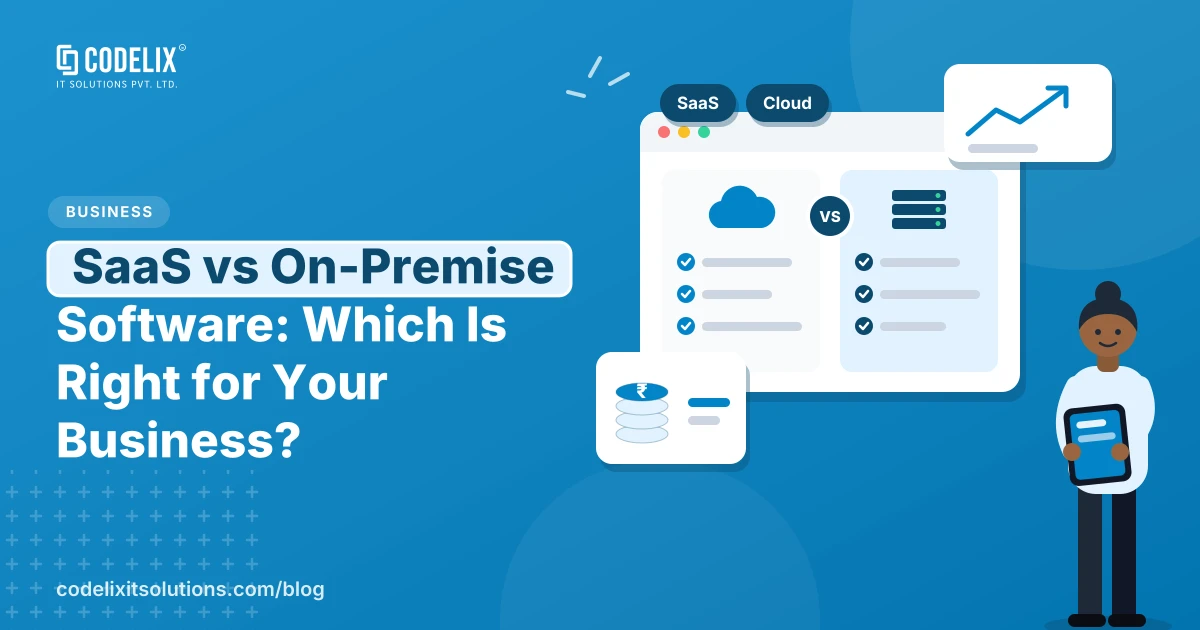
In the SaaS vs on-premise decision, SaaS or cloud-hosted software is the better default for most small and mid-size businesses. You pay as you go, there's no server to manage, and updates happen for you. On-premise makes sense when you have strict data rules, unreliable internet at the site that runs the software, or a long-term need to own and control everything.
The question usually comes up when a business outgrows spreadsheets or an old desktop system. Someone suggests a SaaS product, someone else worries about where the data lives, and the decision stalls.
What's the actual difference?
SaaS means the software runs on the vendor's servers and you use it through a browser or app, usually on a subscription. Examples most people know are Google Workspace, Zoho and Salesforce.
On-premise means the software runs on servers you own or rent, managed by your own team or an IT partner. You buy or build it once and then maintain it.
There's a third option that often gets missed: custom software hosted in the cloud under your own account. You own the code and the data, but you don't manage physical servers.
SaaS vs on-premise: how do they compare?
| Factor | SaaS | On-premise | Custom, cloud-hosted |
|---|---|---|---|
| Upfront cost | Low | High | Medium to high |
| Ongoing cost | Subscription per user or plan | Hardware, staff, maintenance | Hosting plus support |
| Fits your process | You adapt to the product | Fully yours | Fully yours |
| Data control | With the vendor, under their terms | Fully yours | Yours, on your cloud account |
| Updates | Automatic | Your responsibility | Planned with your developer |
When is SaaS the right call?
- Your process is fairly standard, such as accounting, HR or email
- You want to start quickly, with little IT staff
- Your team works from several locations or on the move
- Per-user pricing stays affordable as you grow
When does on-premise or custom make more sense?
- Your workflow is unusual and SaaS products force awkward workarounds
- Per-user subscriptions get expensive once your team is large
- You must keep certain data in a specific place for regulatory or client reasons
- The software runs at a factory or site where the internet connection isn't dependable
India's Digital Personal Data Protection Act, 2023 also makes it worth asking any vendor where personal data is stored and how it's handled, whichever model you pick.
Free consultation
Planning something like this?
Tell us what you need. After a short call we send a written scope, timeline and fixed quote.
What do people usually get wrong?
- Comparing only the first-year price. Add up five years of subscriptions against build and hosting costs.
- Ignoring exit costs. Check how you'd get your data out of a SaaS product if you leave.
- Assuming on-premise means more secure. It's only as secure as the team maintaining it.
Before you decide
- List the three or four processes the software must handle well.
- Count users today and in three years.
- Ask each vendor where your data is stored and how you export it.
- Compare five-year total cost, not monthly price.
- Check whether you'll need integrations with Tally, GST tools or WhatsApp.
Who is responsible for security in each model?
This trips people up. With SaaS, the vendor secures the servers and the software, but you're still responsible for who has access, strong passwords, and switching on two-factor login. With on-premise, everything is yours: servers, updates, backups, firewalls and physical access. With custom software in the cloud, the cloud provider secures the infrastructure, and you and your developer secure the application and its data.
Whichever you choose, ask for regular backups you can actually restore, and a written plan for what happens if something goes wrong.
How Codelix fits in
We build custom software and SaaS products, and we also run our own SaaS products, including Audytee for CA firms and 4bitx for manufacturers. So we've seen the trade-offs from both sides. See our SaaS product development and cloud solutions pages for how we approach each.